Quick Answer: What is the Difference Between SATA Data and SATA Power Cables?
The Short Answer: To connect any internal hard drive (HDD) or solid-state drive (SSD) inside a desktop computer, you need two distinct cables: > 1. SATA Data Cable (7-Pin, Compact): Carries digital data between the motherboard SATA port and the drive at speeds up to 6 Gbps (SATA III). > 2. SATA Power Cable (15-Pin, Wide): Delivers electrical power (+3.3V, +5V, +12V) directly from the power supply unit (PSU) to spin the drive motor and power the internal PCB.
Comparison: SATA Data vs SATA Power vs USB Adapters
| Cable Type | Pin Count | Source Connection | Target Drive | Speeds / Ratings | Key Purpose |
|---|---|---|---|---|---|
| SATA III Data Cable | 7 Pins (L-Shaped) | Motherboard SATA Port | 2.5" SSD, 3.5" HDD, DVD-RW | Up to 6 Gbps (600 MB/s) | High-speed data transfer with locking metal latches |
| SATA 15-Pin Power Cable | 15 Pins (Flat Wide) | Desktop Power Supply (PSU) | Any internal SATA drive | 3.3V, 5V, 12V Rails | Provides electrical power from PSU |
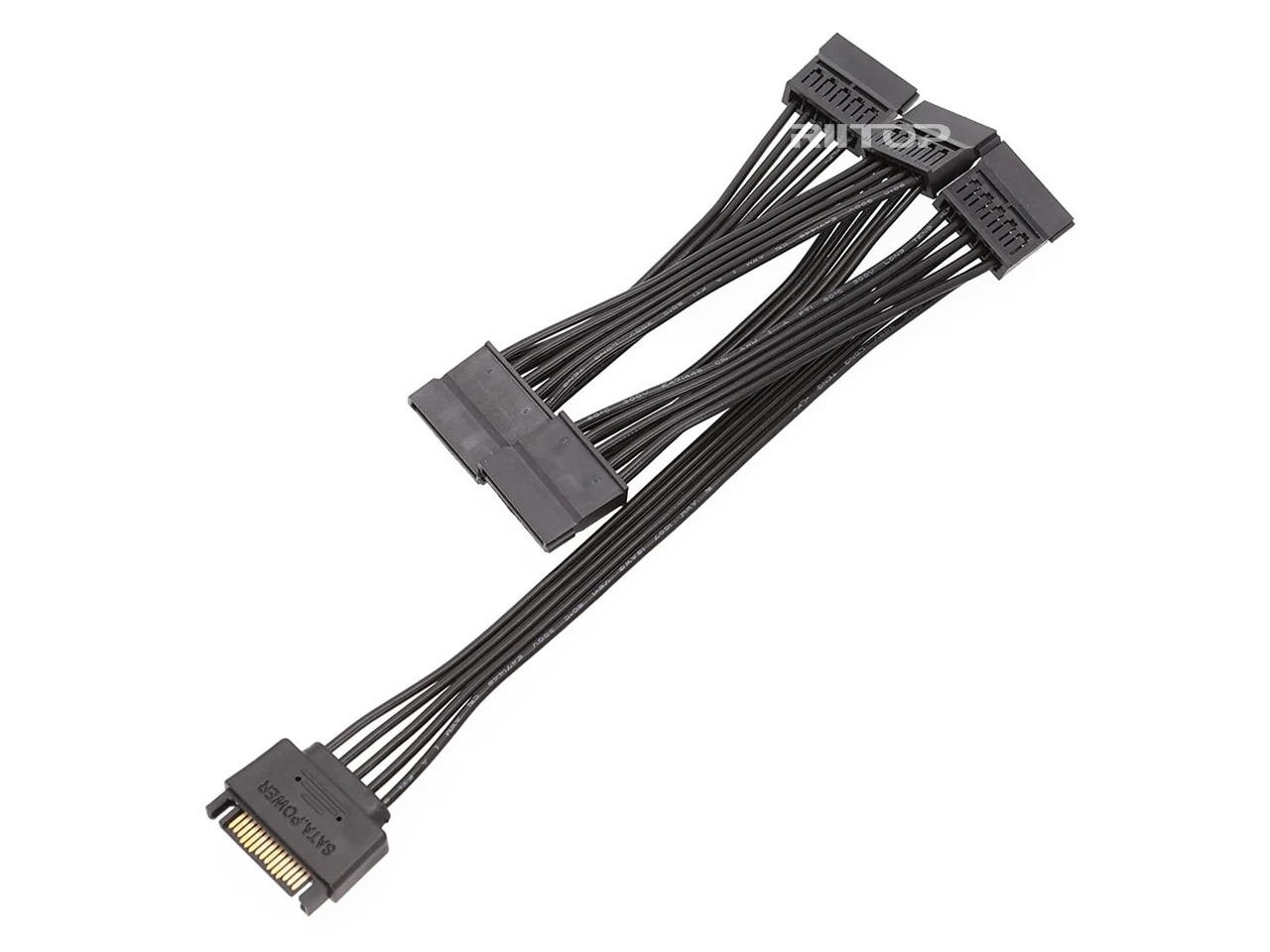
| SATA 1-to-5 Power Splitter | 1x 15-Pin Male to 5x Female | 1 PSU SATA port | Powers up to 5 SSDs / HDDs | 18 AWG Pure Copper (Safe up to 50W) | Expands storage on modular & non-modular PSUs |
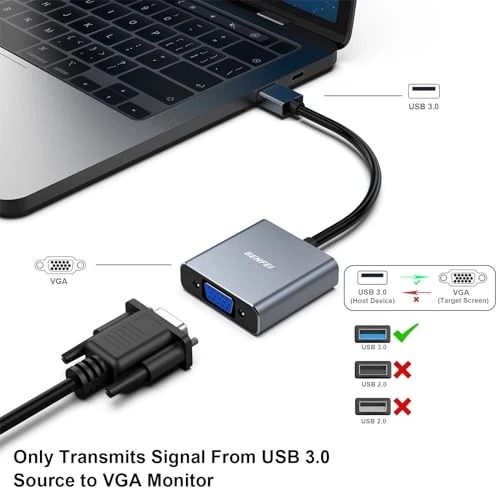
| USB 3.0 to SATA Adapter | 7+15 Pin Combo to USB-A | Laptop / PC USB Port | 2.5" SSD or 2.5" Laptop HDD | 5 Gbps SuperSpeed (UASP) | Plug & play external data backup without opening PC |
| USB to SATA with 12V Power | 7+15 Pin Combo + DC Jack | Laptop USB + 12V Wall Charger | 3.5" Desktop Mechanical HDD | 5 Gbps + 12V 2A DC Power | Required to spin high-power 3.5" mechanical platters |
3 Critical Facts Every PC Builder Must Know
1. Is it Safe to Use a 1-to-5 SATA Power Splitter Cable? YES, provided the splitter uses genuine 18 AWG pure copper wiring. - Modern 2.5" SSDs consume only 2 to 5 Watts under full read/write load. - An 18 AWG copper cable safely supports up to 10 Amps on the 5V rail (50 Watts), meaning you can safely run up to five SSDs or mixed hard drives from a single PSU power connector without overheating or voltage drop. - Warning: Avoid cheap generic splitters with thin 22 AWG or copper-clad aluminum (CCA) wires, as they can overheat and cause drive disconnects. SkyTech supplies verified /products/skytech-sata-15pin-1-to-5-power-splitter-2ft/ constructed from heavy-duty 18 AWG pure copper.
2. The 12V Power Rule for USB to SATA Adapters A frequent source of confusion is why a 3.5" desktop hard drive will not turn on when plugged into a simple USB cable: - 2.5" SATA SSDs and Laptop HDDs: Require only +5 Volts, which standard USB 3.0 ports easily provide. They are 100% plug & play. - 3.5" Desktop Mechanical Hard Drives: Contain heavy spindle motors and read/write heads that require +12 Volts to spin up. Standard 5V USB ports cannot supply 12V. Therefore, 3.5" hard drives mandate a USB-to-SATA adapter with a 12V 2A external DC power supply.
3. Locking Metal Latches on SATA Data Cables Always choose SATA data cables equipped with steel locking latches. Without locking clips, the vibration of cooling fans or cable routing inside tight PC casings can cause standard SATA cables to back out, resulting in blue-screen crashes (BSOD) or drives disappearing from Windows File Explorer.
Recommended SkyTech Products
- •1-to-5 Drive Expansion: /products/skytech-sata-15pin-1-to-5-power-splitter-2ft/ with heavy-duty 18 AWG wiring.
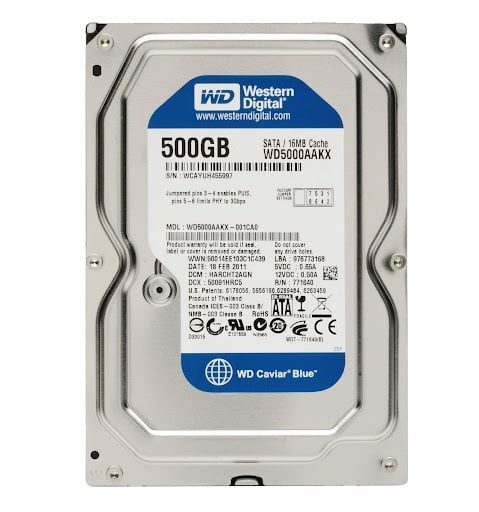
- •Verified Storage: Check our health-tested /products/500gb-desktop-pc-hard-drive-sata-hdd-3-5-inch/ for mass game storage.
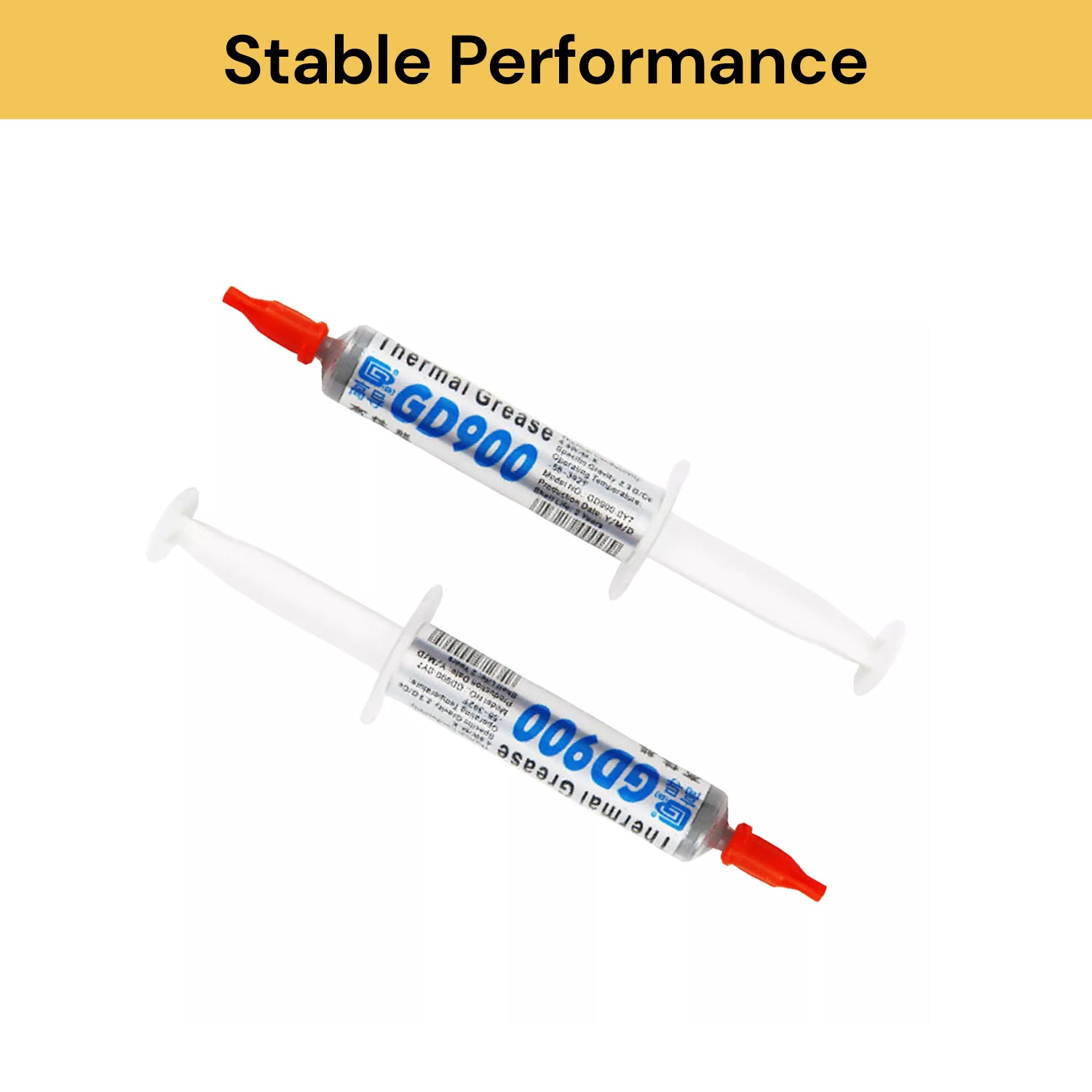
- •Cooling Essential: Pair storage upgrades with /products/gd900-high-performance-3g-thermal-paste-grease-cpu-gpu/ for optimal system longevity.