The Hidden Cause of Desktop WiFi Lag & Ping Spikes
If you use a USB WiFi adapter or high-gain antenna dongle plugged directly into the back of your desktop computer, you have likely experienced frustrating ping spikes in online games (Valorant, CS2, PUBG) or slow download speeds.
The reason is simple physics: 1. Metal Case Interference: Your PC tower is a massive metal box housing power supplies, graphics cards, and fans that emit electromagnetic interference (EMI). 2. Blocked Line-of-Sight: When plugged behind the tower against a wall, radio waves must bounce multiple times through concrete walls to reach your WiFi router. 3. Thermal Throttling: The rear exhaust fans blow 50°C–70°C hot air directly onto your USB WiFi dongle, causing it to overheat and throttle speeds.
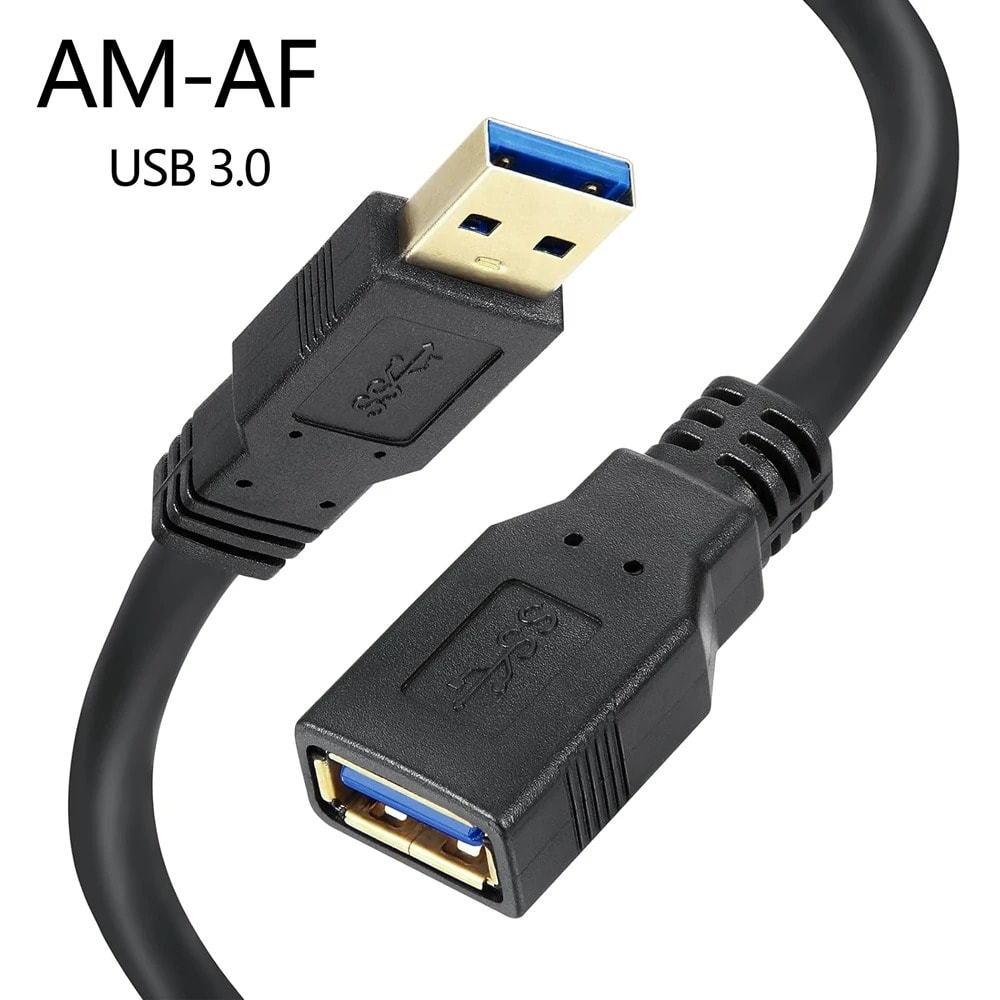
The Solution: A 1m or 3m USB 3.0 Extension Cable
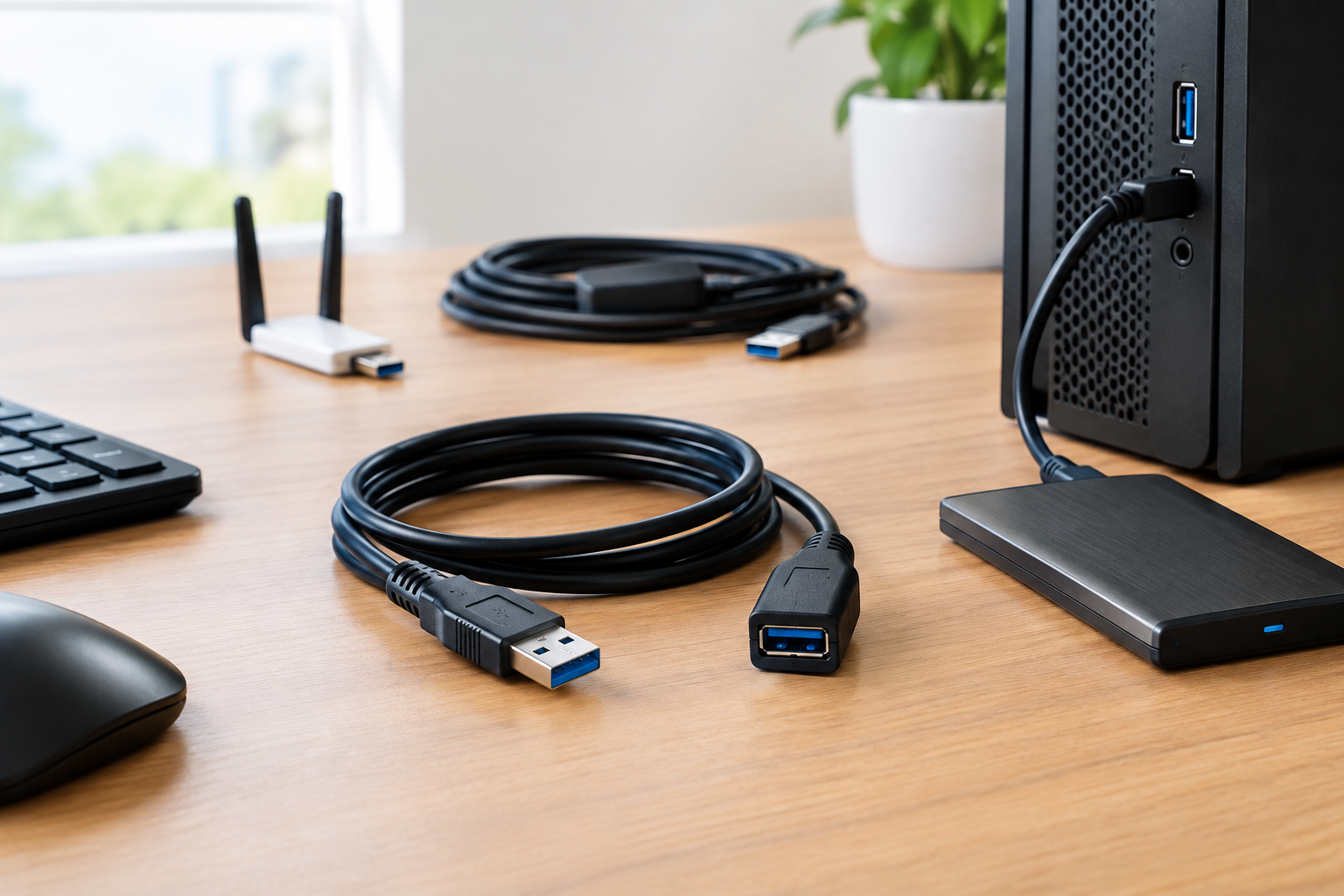
By connecting your USB WiFi adapter to a high-speed extension cable, you can elevate the antenna 1 to 3 meters above the floor and position it on top of your desk or toward the room doorway.
Real-World Benchmark Results In tests conducted in typical Pakistani brick-and-mortar homes: - Direct Rear USB Port: 28 Mbps download, 42ms ping, 4% packet loss. - Elevated via 3m USB 3.0 Cable: 86 Mbps download, 18ms ping, 0% packet loss.
That is an instant 3x increase in bandwidth without spending thousands of rupees on a new router!
Which Cable Length Works Best for WiFi Adapters?
- 1.For Desk Placement (1m – 1.5m): If your PC tower is beside your desk, a /products/branded-usb-30-extension-cable-1m provides enough slack to place the antenna above your monitor.
- 2.For Room Repositioning (3m): If your router is in the hallway or another room, our /products/premium-3m-usb-30-extension-cable allows you to position the adapter closer to the doorway.
- 3.Avoid Cheap Unshielded Cables: Low-quality cables lack foil shielding and will cause packet loss. Always insist on triple-shielded pure copper USB 3.0 cables from trusted suppliers like SkyTech.pk.