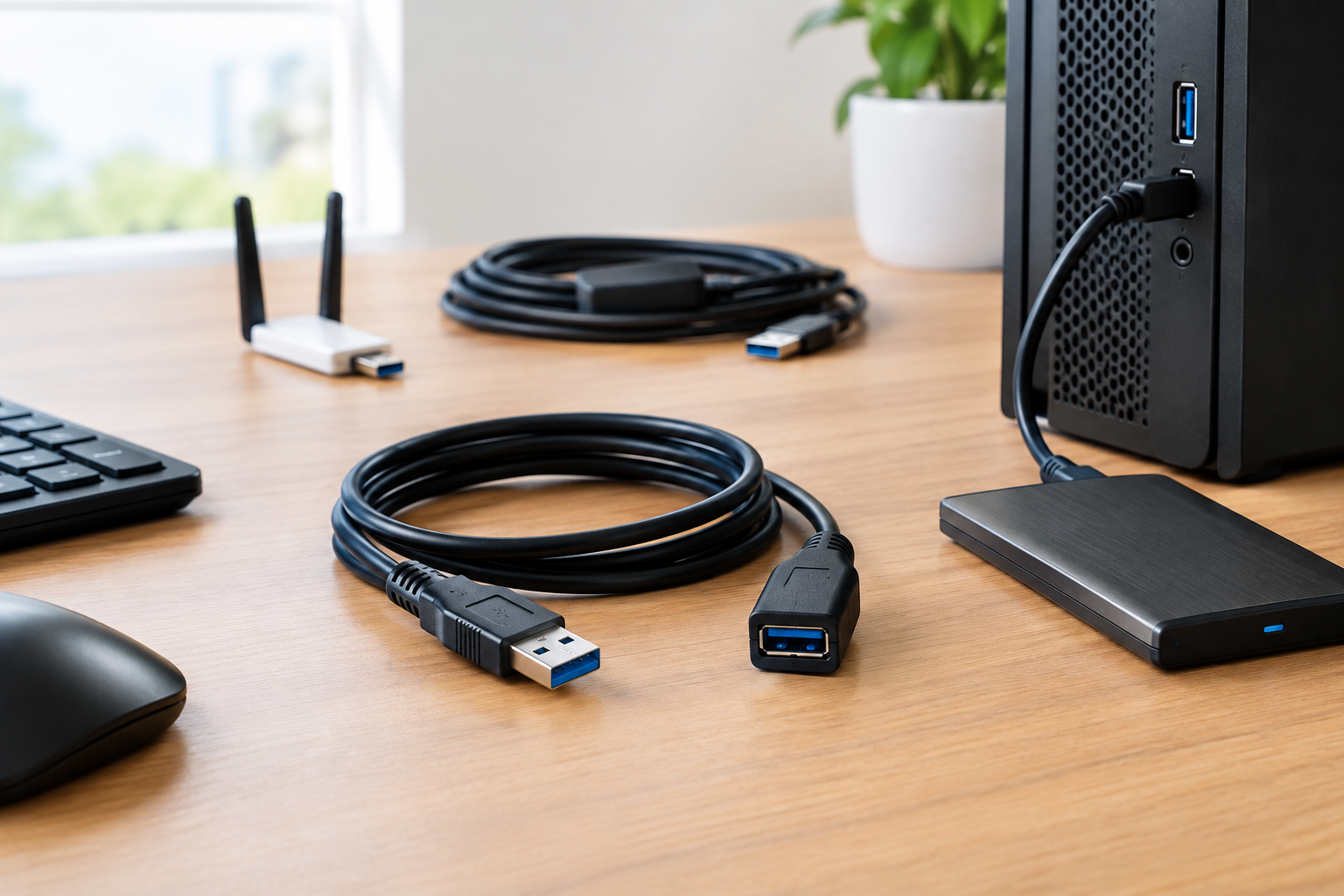
Quick Answer: Does a USB Extension Cable Cause Lag or Reduce Speed?
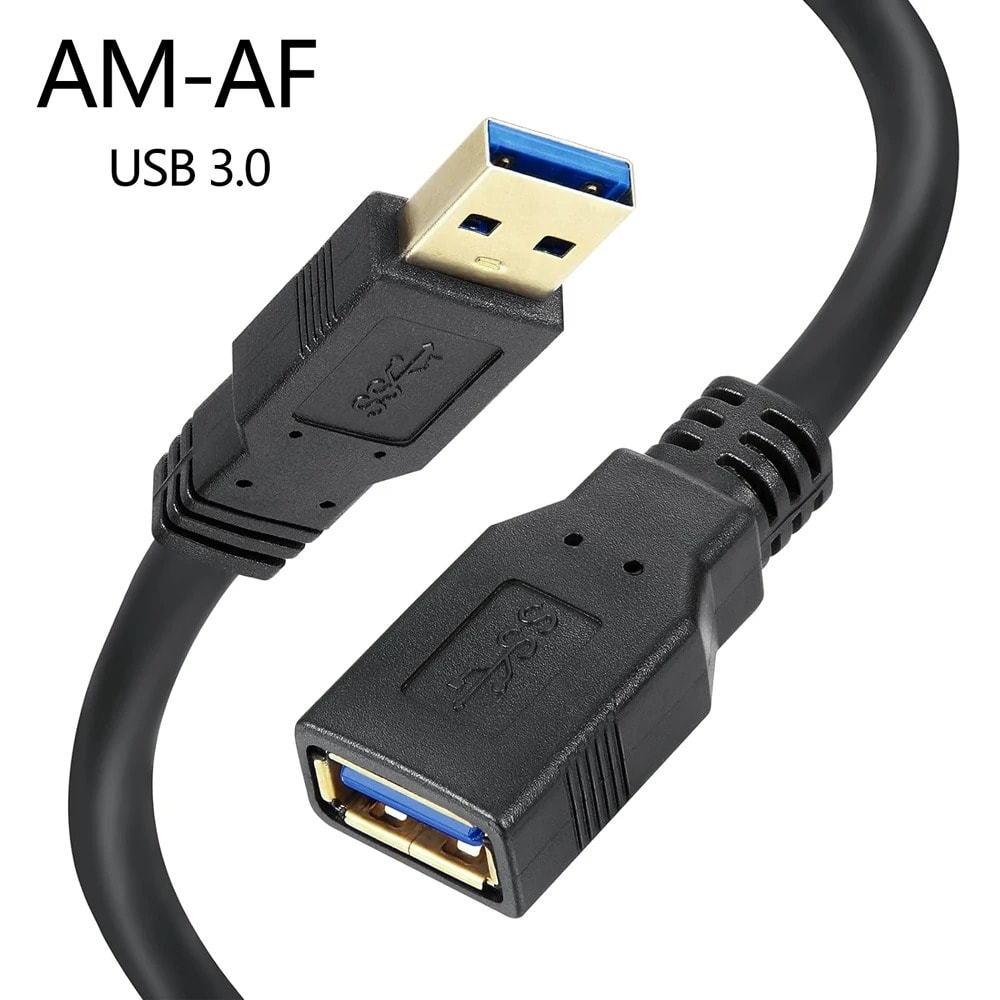
The Direct Answer: No. A quality USB 3.0 extension cable does not cause input lag or slow down data transfer speeds. Electrical signals in shielded copper travel at approximately 200,000 km/s, taking just 15 nanoseconds (0.000015 milliseconds) to pass through a 3-meter cord—over 66,000 times faster than human perception and 100% imperceptible in competitive gaming (Valorant, CS2, Fortnite). NVMe SSD transfer speeds remain at full 5 Gbps SuperSpeed over 1m to 3m lengths. Performance drops only occur if you exceed 5 meters without an active repeater amplifier or use cheap copper-clad aluminum (CCA) cables.
The Common Myth About USB Extension Cables
A frequent question we receive from Pakistani gamers, video editors, and IT professionals is: > "Does adding a USB extension cable slow down my data transfer speed or cause input delay in competitive gaming?"
To settle this once and for all, the SkyTech Engineering team ran benchmark tests using CrystalDiskMark 8, mouse polling rate analyzers, and high-framerate webcam capture across 1m, 3m, and 5m USB 3.0 extension cables.
Test 1: External NVMe SSD Data Transfer Speeds
We tested a Samsung T7 Portable SSD connected to a direct motherboard USB 3.0 port versus through our /products/premium-3m-usb-30-extension-cable.
- •Direct Motherboard Connection: 452 MB/s Read | 438 MB/s Write
- •Through 1m USB 3.0 Cable: 451 MB/s Read | 437 MB/s Write (0.2% variance)
- •Through 3m USB 3.0 Cable: 448 MB/s Read | 434 MB/s Write (0.8% variance)
- •Through 5m Active USB 3.0 Cable: 446 MB/s Read | 431 MB/s Write (1.3% variance)
Verdict: No noticeable speed reduction. High-purity copper USB 3.0 cables maintain virtually identical 5 Gbps SuperSpeed throughput over 1m to 3m.
Test 2: Gaming Mouse Polling Rate & Input Lag
Competitive esports players in Valorant and CS2 rely on 1,000 Hz polling rates (1 millisecond report time). Does an extension cable introduce input lag?
- •Signals in shielded copper wire travel at approximately 60% to 70% the speed of light (~200,000 km per second).
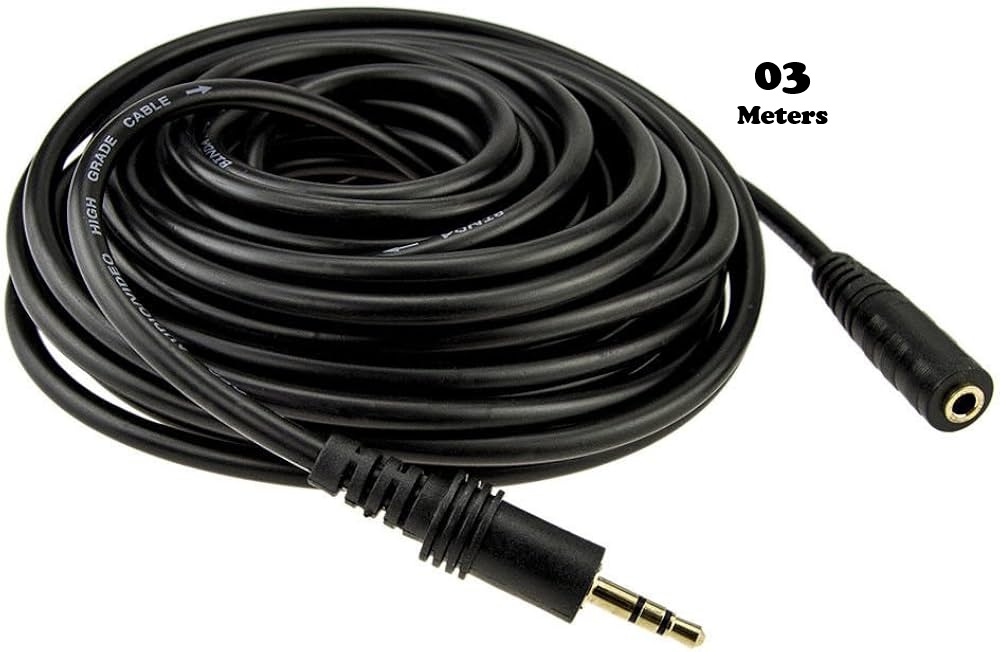
- •Traveling through a 3-meter cable takes approximately 0.000015 milliseconds (15 nanoseconds).
- •This is over 66,000 times faster than human perception and has zero impact on a 1ms mouse response.
In our 1,000 Hz polling test, the mouse maintained a stable 998–1000 Hz report rate with zero dropped clicks.
When DOES a USB Extension Cable Cause Problems?
While a quality cable will never reduce speed, problems happen in three specific scenarios: 1. Low-Quality Copper-Clad Aluminum (CCA): Cheap generic cords use aluminum coated in copper. These have high electrical resistance and cause voltage drops that disconnect external hard drives. 2. Exceeding 3 Meters with a Passive Cable: If you use a passive 5m or 10m cable without an inline amplifier, data packets get corrupted, forcing constant re-transmissions that feel like lag. 3. USB 2.0 Bottleneck: If you plug an external SSD into an old USB 2.0 extension cable, your transfer speed will immediately drop from 450 MB/s down to 35 MB/s.