Quick Comparison: DisplayPort vs HDMI
The Direct Verdict: For Desktop PC Gaming, DisplayPort is the undisputed champion. DisplayPort 1.4 provides massive uncompressed bandwidth (32.4 Gbps) required for 144Hz, 165Hz, 200Hz, and 240Hz high-refresh gaming monitors and full Nvidia G-Sync / AMD FreeSync compatibility. HDMI is the king of living rooms, connecting Smart TVs, PlayStation 5, Xbox, and home soundbars with eARC audio return.
Technical Specifications: DisplayPort vs HDMI
| Feature | DisplayPort 1.2 | DisplayPort 1.4 | HDMI 2.0 | HDMI 2.1 |
|---|---|---|---|---|
| Max Bandwidth | 21.6 Gbps | 32.4 Gbps (HBR3) | 18.0 Gbps | 48.0 Gbps |
| Max Refresh @ 1080p | Up to 240Hz | Up to 360Hz | Up to 144Hz | Up to 240Hz+ |
| Max Refresh @ 1440p | Up to 144Hz | Up to 240Hz (with DSC) | Up to 75Hz / 120Hz | Up to 240Hz |
| Max Refresh @ 4K | 4K @ 60Hz | 4K @ 120Hz / 144Hz | 4K @ 60Hz | 4K @ 120Hz / 144Hz |
| Nvidia G-Sync | Yes (Native) | Yes (Native) | Very Limited (HDMI 2.1 only) | Supported on select TVs |
| Connector Lock | Mechanical Latch | Mechanical Latch | Friction Fit (No Latch) | Friction Fit |
| Multi-Monitor MST | Yes (Daisy Chaining) | Yes (Daisy Chaining) | No | No |
Why Competitive PC Gamers in Pakistan Choose DisplayPort
If you play fast-paced esports titles like Valorant, Counter-Strike 2, Apex Legends, or PUBG, your monitor refresh rate dictates your competitive reaction time.
1. High Refresh Rates: 144Hz, 165Hz, 200Hz, 240Hz Many gaming monitors sold in Pakistan (AOC, Asus TUF, Acer Nitro, ViewSonic, MSI) limit their HDMI ports to HDMI 1.4 or 2.0, meaning you can only achieve 60Hz or 120Hz over HDMI. To unlock the full 144Hz, 165Hz, or 240Hz panel speed, connecting via a DisplayPort cable is mandatory.
2. Nvidia G-Sync & AMD FreeSync Tear-Free Gameplay Variable Refresh Rate (VRR) synchronizes your monitor refresh rate with your GPU frame delivery to eliminate screen tearing and input stutter. While AMD FreeSync works over both DisplayPort and HDMI, Nvidia G-Sync Compatible monitors officially require a DisplayPort connection on GTX and RTX graphics cards.
3. Multi-Stream Transport (MST) Daisy Chaining DisplayPort allows you to daisy-chain multiple computer monitors from a single DisplayPort output on your PC or laptop dock without needing multiple display cables running to your tower.
The #1 Mistake: DisplayPort to HDMI Signal Direction
One of the most frequent customer inquiries at SkyTech revolves around connecting a PC to an HDMI TV or monitor:
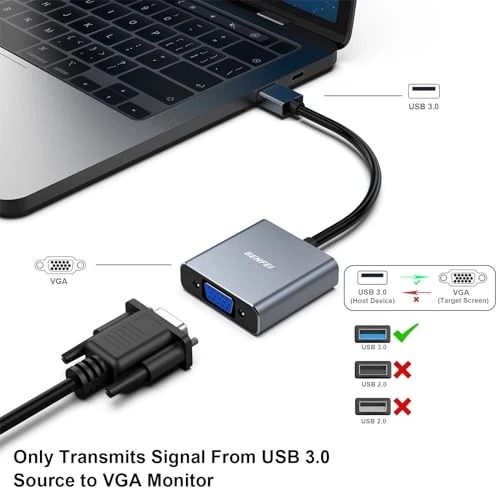
Is DisplayPort to HDMI Bi-Directional? NO. Standard DisplayPort to HDMI cables and adapters are strictly one-way (unidirectional): - Compatible Setup (DP Source ➔ HDMI Display): Graphics card DisplayPort output ➔ DisplayPort to HDMI Adapter ➔ HDMI input on TV or LED monitor. - Incompatible Setup (HDMI Source ➔ DP Display): Connecting a laptop HDMI port to a gaming monitor DisplayPort input WILL NOT WORK with a standard cable. That conversion requires an active HDMI-to-DisplayPort converter powered by a 5V USB source.
Recommended Products & Solutions
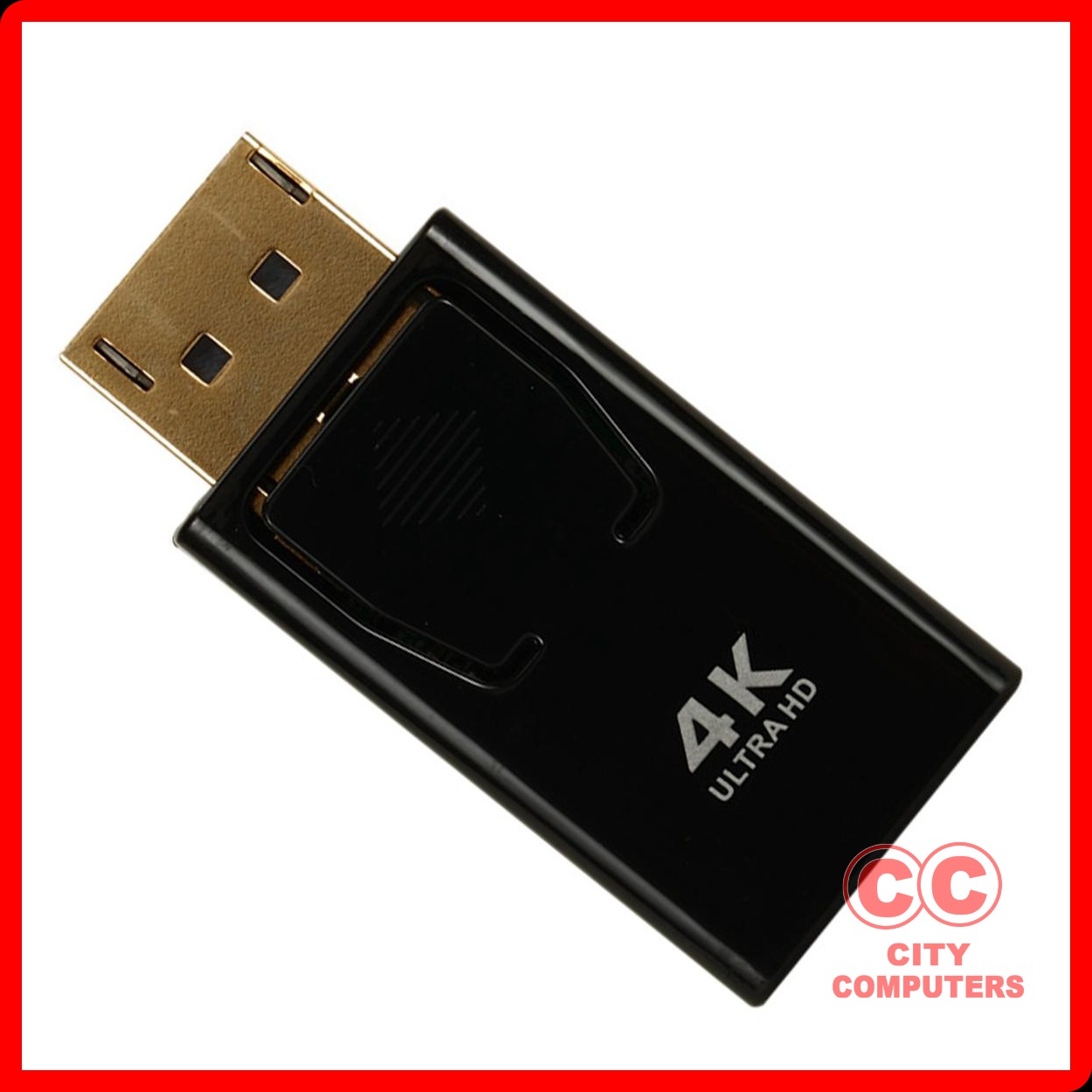
- 1.GPU to HDMI TV/Monitor Converter: Order our verified /products/dp-to-hdmi-converter-displayport-ultra-hd-1080p/ supporting Full HD 1080p with audio pass-through.
- 2.Find Exact Compatible Cables: Use our interactive /cable-finder/ to choose your laptop/GPU model and display type for instant recommendations.
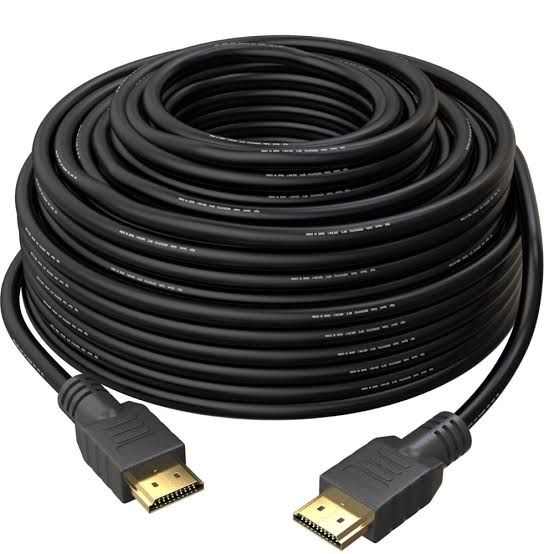
- 3.High-Speed Pure Copper HDMI: Check our /products/skytech-high-speed-hdmi-male-to-male-cable-1080p/ for zero-flicker video.